Skip to content
TrustOS

Product tour

TrustOS in six stages, from first map to evidence.

This is the order most teams follow. The screens are representative, drawn with sample data, so you can see the shape of the work before a live demo.

Stage 1 of 6

Map the personal data you hold

Start with the products and systems that matter most. Record what personal data each holds, where it flows, which vendors touch it and who owns it.

What you hold at the end

A register of products, systems, data categories, vendors and owners.

The data inventory module
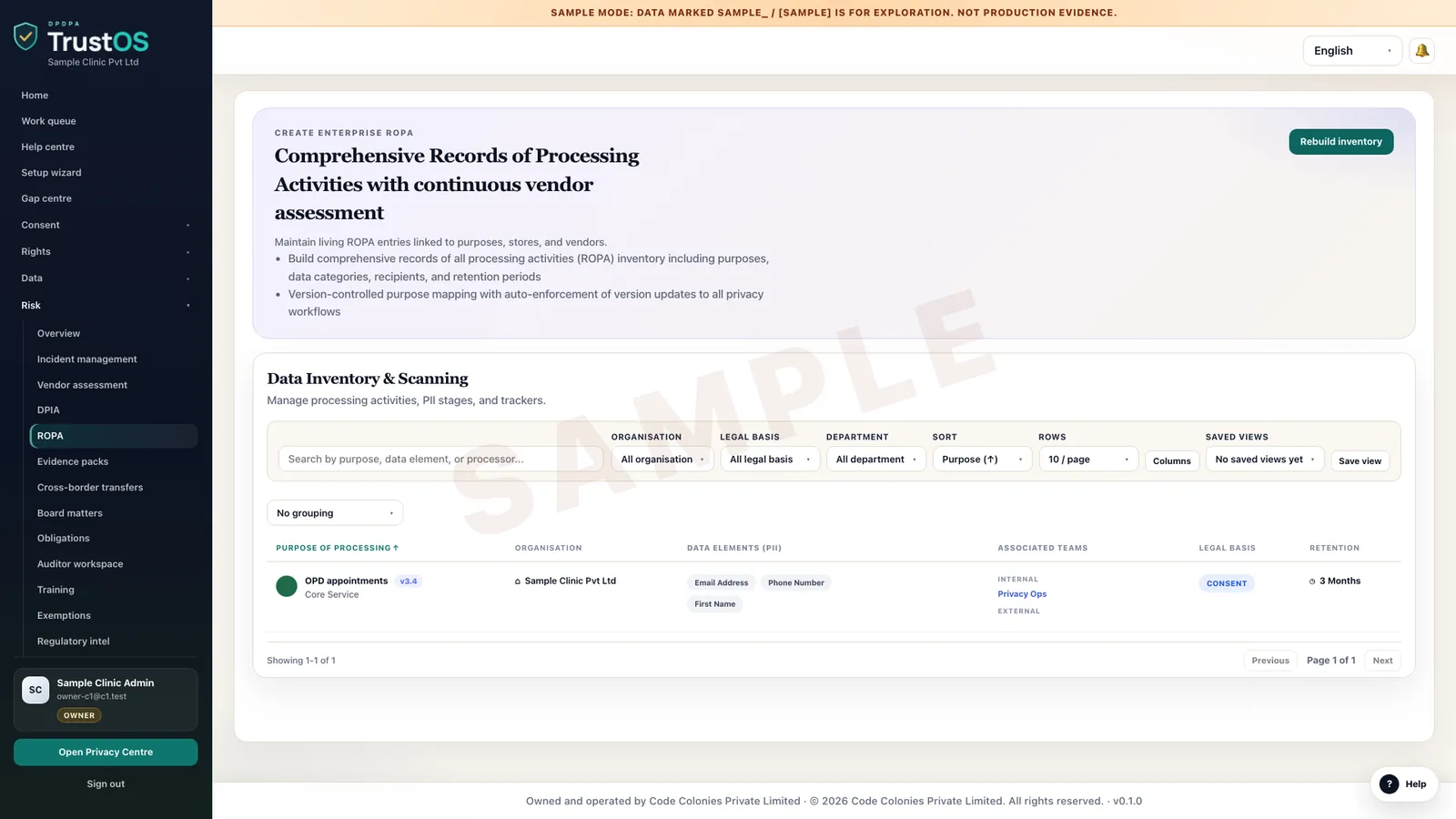
Records of processing activities
TrustOS workspace · sample data

Stage 2 of 6

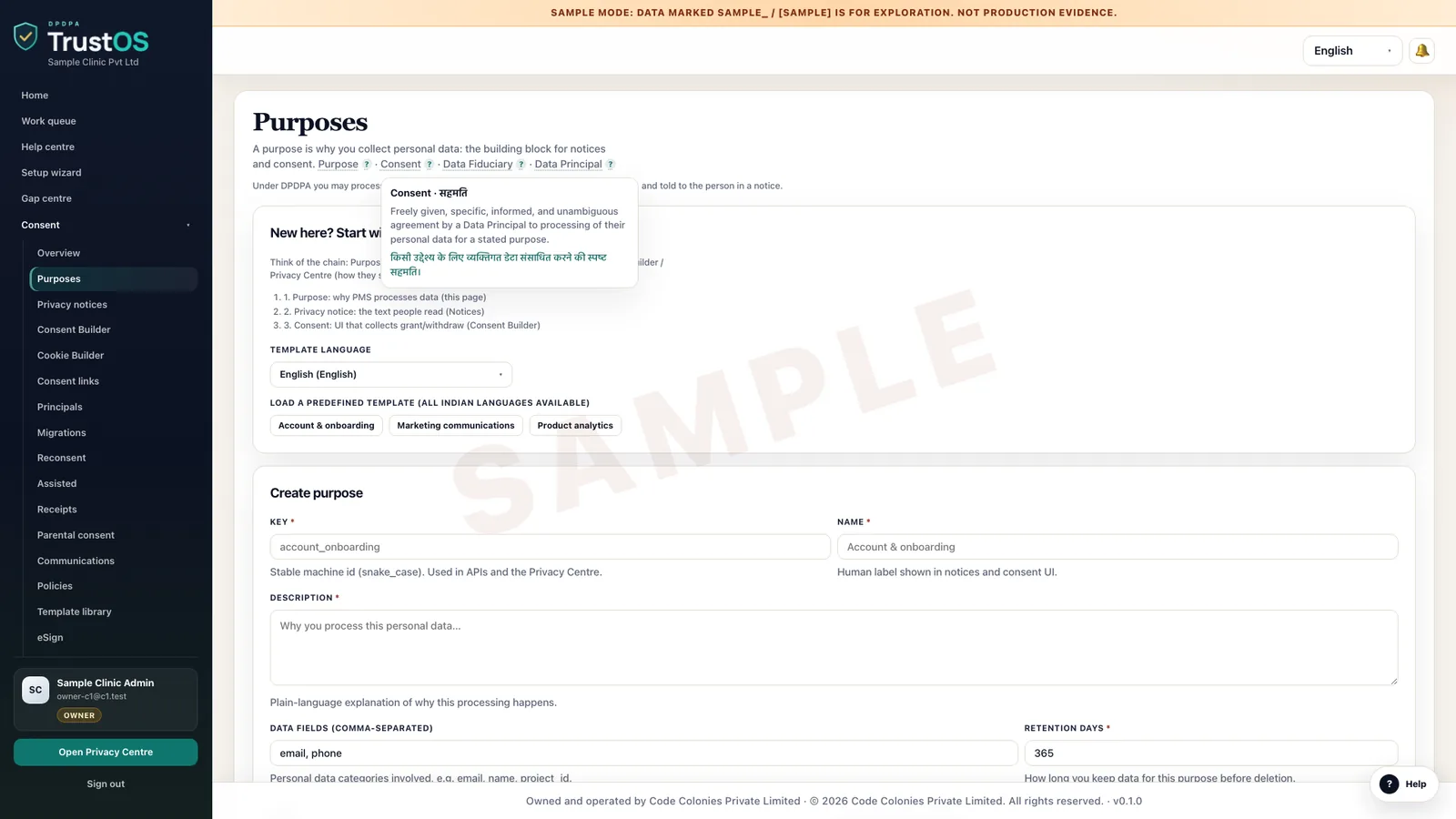
Set purposes, grounds and retention

For each use of data, write down why, on what ground and for how long. These records drive the notices, the consent requests and the erasure rules.

What you hold at the end

A purpose register with the ground and the retention period for each use.

The purposes and notices module
Purposes register listing each purpose with its ground and retention
TrustOS workspace · sample data

Stage 3 of 6

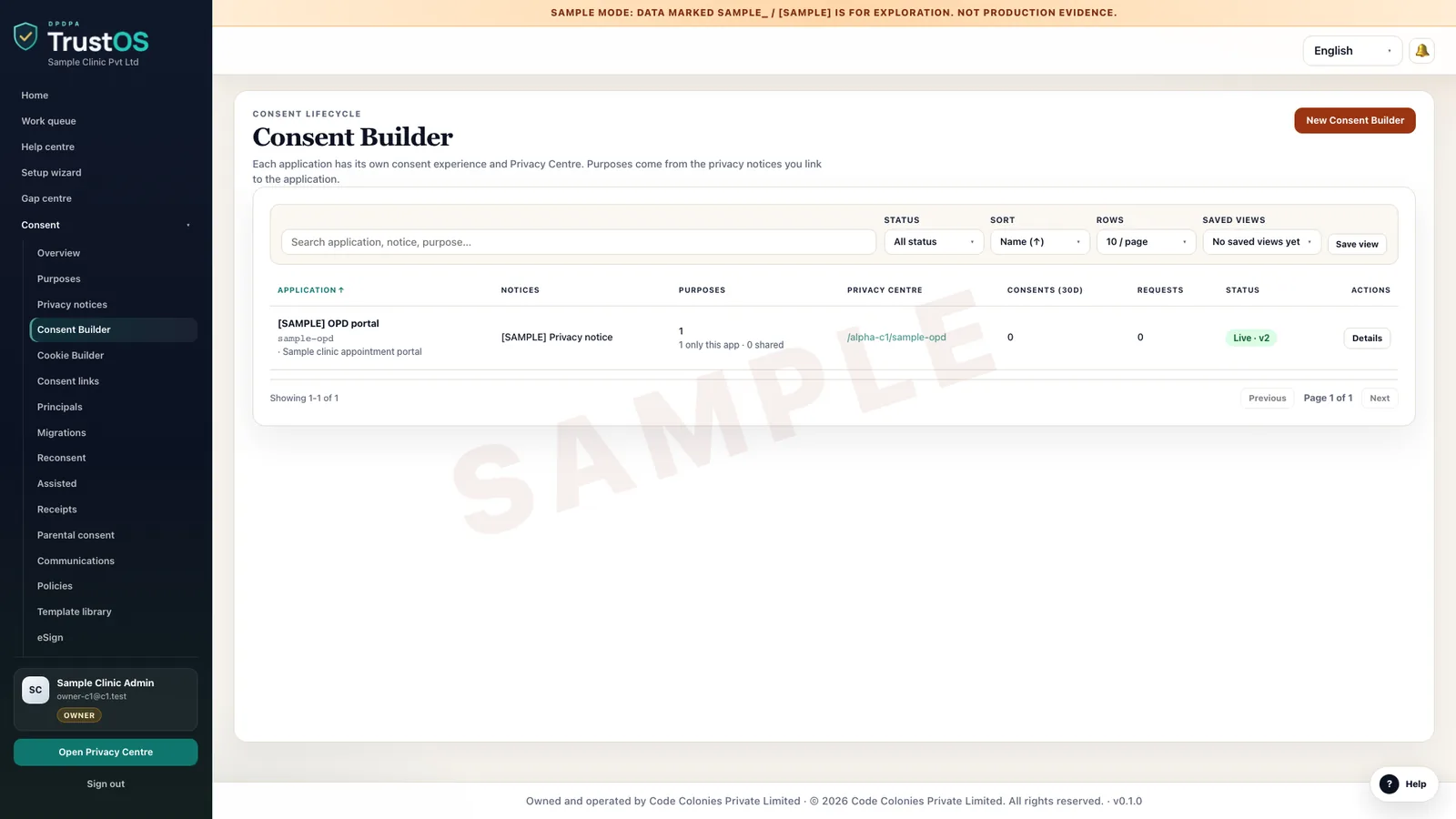
Publish notices and manage consent

Plain notices in the languages your customers use, consent captured with its notice version, and withdrawal that reaches every system that relies on it.

What you hold at the end

Published notice versions, and consent records tied to the version each person saw.

The consent module
Consent builder listing consent forms and their status
TrustOS workspace · sample data

Stage 4 of 6

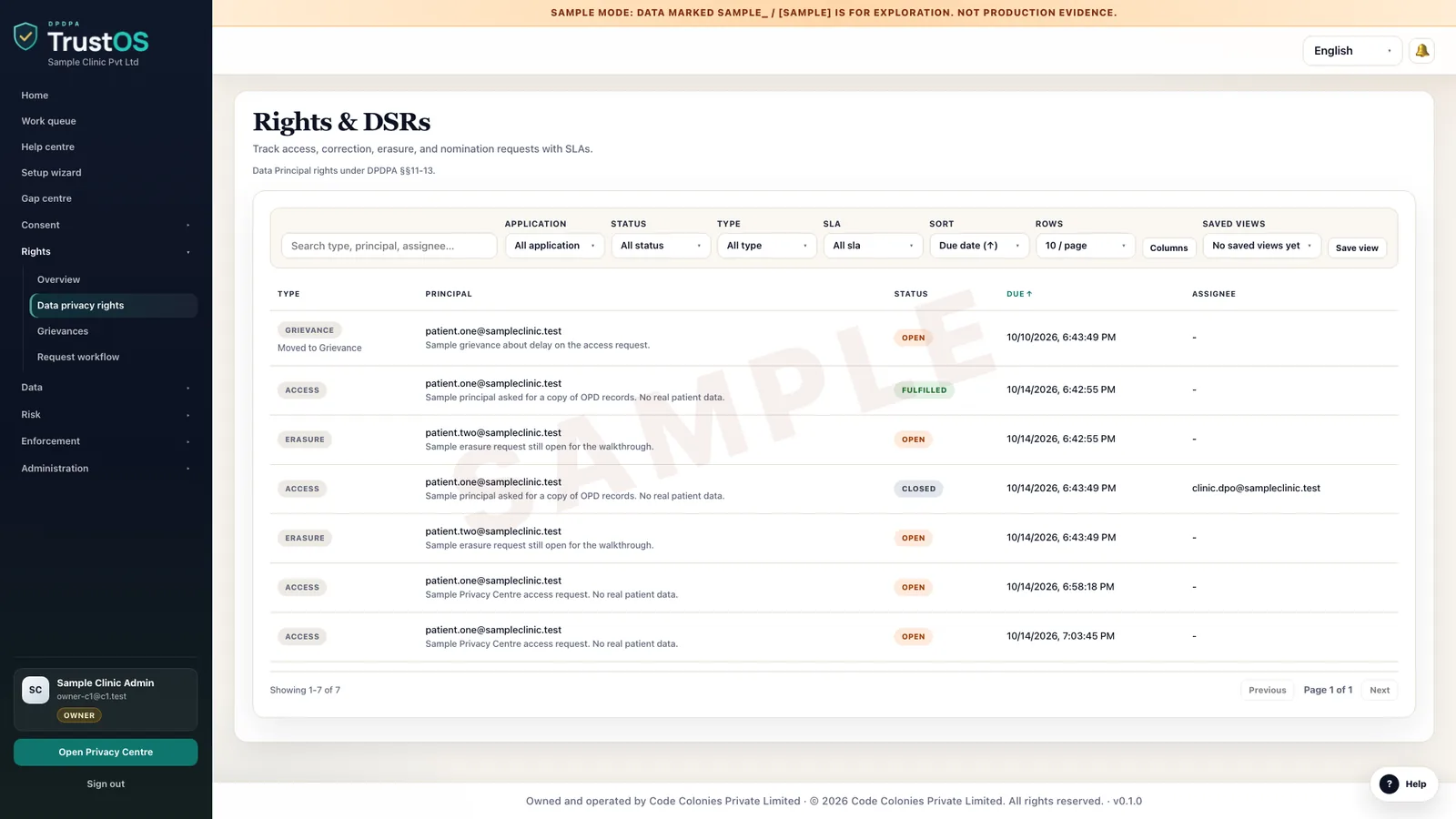
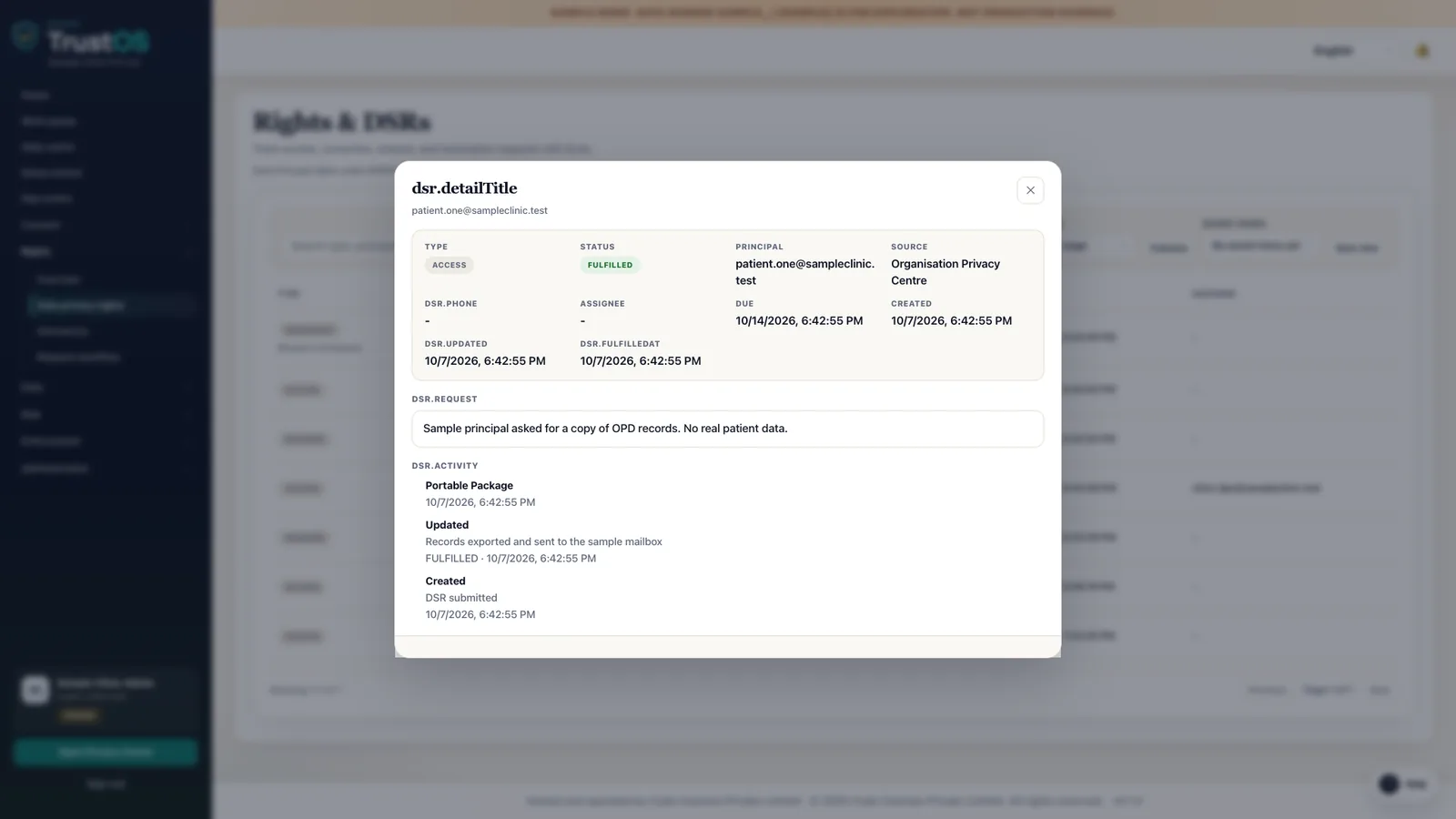
Take requests and grievances to closure

Requests from the Privacy Centre, email, phone and the front desk land in one queue, each verified, assigned, tracked and closed with a record.

What you hold at the end

A request log that runs from receipt to closure, with due dates kept.

The rights and grievances module
Data Principal requests list with type, status and due dates
TrustOS workspace · sample data

Stage 5 of 6

Carry out retention and erasure

When a purpose ends or a person asks, erasure and suppression run where the data lives, with confirmation from each system.

What you hold at the end

Erasure records with a confirmation from each system, and reasons for anything kept.

The retention and erasure module
An open erasure request with its workflow steps
TrustOS workspace · sample data

Stage 6 of 6

Review incidents, risk and evidence

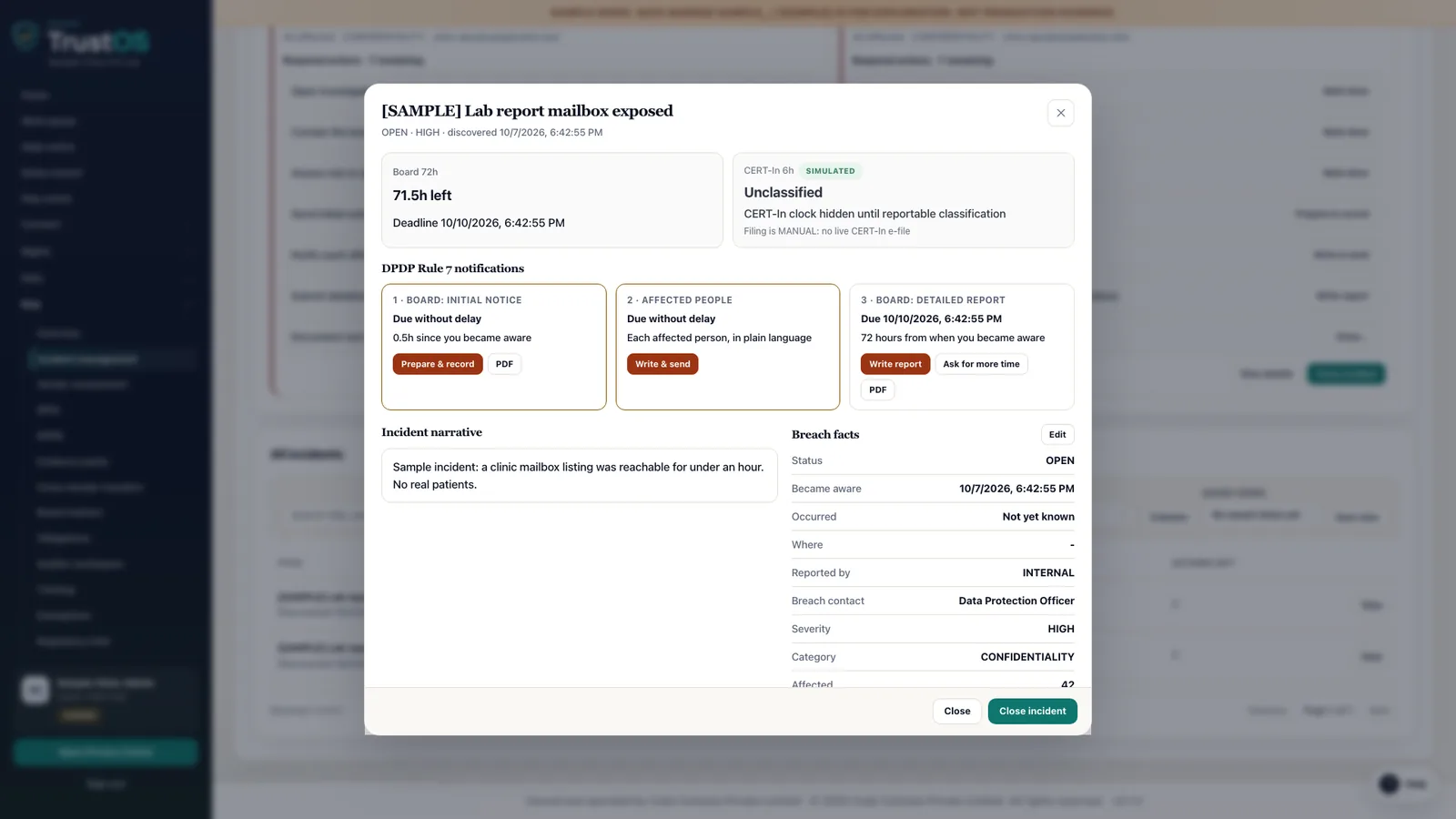
Breaches handled against the clock, vendors and assessments kept current, and an evidence pack ready for your own board, an auditor or the Data Protection Board.

What you hold at the end

Incident records, current assessments and an evidence pack that can be produced on request.

The breach response module
A breach record with the Board 72 hour clock, the CERT-In 6 hour window and the three Rule 7 notifications
TrustOS workspace · sample data

See it with your data

Show us where your personal data lives. We will show you TrustOS running on it.

A 30 minute walkthrough on Google Meet with someone who knows the Act and the product. You leave with a view of your first phase, the owners and the effort.

Or get a rollout proposal in two minutes
  1. Step 1A 30 minute demo on Google MeetWith someone who knows the Act and the product.
  2. Step 2Your systems and purposesWe walk one product's personal data through TrustOS.
  3. Step 3A first phase you can planModules, owners and effort, written down for you to keep.