
Guide · Inventory
Mapping the personal data you hold
What a useful data inventory records, where to look for the copies people forget, and how to keep it true
- Published
- 19 August 2026
- Updated
- 10 October 2026
- Reading
- 12 min · TrustOS team
Four systems named, eleven found
A supermarket chain with forty stores across Tamil Nadu starts its DPDP work by asking each department which systems hold customer or staff data. The answers come back quickly: the point of sale billing system, the loyalty app, the HR and payroll software, and the website.
Then the team checks. The loyalty programme also sends phone numbers to an SMS gateway and to a marketing agency that runs festive campaigns. Home delivery orders arrive on WhatsApp numbers run by each store manager, and addresses are copied into a daily spreadsheet for the delivery staff. CCTV footage is stored at each store for weeks. The finance team exports loyalty data to Excel every quarter to analyse spending. A developer copied the customer table onto a test server two years ago to fix a bug.
Four systems were named. At least eleven places hold personal data. The seven that went unmentioned are exactly where a future erasure or breach investigation would have fallen short.
Why the inventory comes before everything else
Every other duty depends on knowing where the data is
Almost every duty in the Digital Personal Data Protection Act, 2023 assumes you know where your personal data sits. A Data Principal can ask for information about their data, and for its correction, completion, updating or erasure. Each of those means finding every place that holds data about that one person. A retention rule has to apply to specific data in specific systems. A breach report has to describe what was affected, which means knowing what was there. The security safeguards in Rule 6, such as access control, logs and encryption, can only protect systems you know about. The DPDP Rules, 2025 were notified on 13 November 2025, and most of these duties apply from around 13 May 2027; check for later amendments.
An organisation that cannot say where its personal data lives can still attempt those duties. The attempt will be incomplete in ways nobody can measure, because the gap is made of systems nobody remembered to include.
That is why the inventory is the first piece of work in almost every programme, and why TrustOS treats it as the foundation the other areas connect to. A notice can only describe what you know you collect. A retention schedule can only cover data someone has listed. An impact assessment can only assess processing that has been recorded.
Few organisations have this picture when they start, and most find the gap wider than expected. Data builds up over years through decisions made by different people for good reasons at the time. Nobody sets out to lose track of it.
How organisations lose sight of their own data
Personal data spreads through ordinary, sensible activity. A team adopts a scheduling tool that stores customer names. An analyst exports a report to a spreadsheet and saves it on a shared drive. A developer copies production data into a test environment to reproduce a defect. A marketing team uploads a contact list to a platform for one campaign and never removes it.
Each decision made sense to the person who made it, and none was recorded anywhere central. The result is an organisation holding personal data in places its own privacy team has never heard of. The discovery usually comes during an incident or a request, well away from any planned review.
A second, quieter process wears the picture down as well. A system mapped correctly two years ago has since gained new fields, new integrations and new copies. The map is out of date more than wrong, and people trust an out of date map in a way they would never trust a blank page.
Both problems lead to the same result. When a request arrives, the organisation searches the places it knows about, returns what it finds and has no way of knowing what it missed.
What goes into the record
The layers TrustOS records
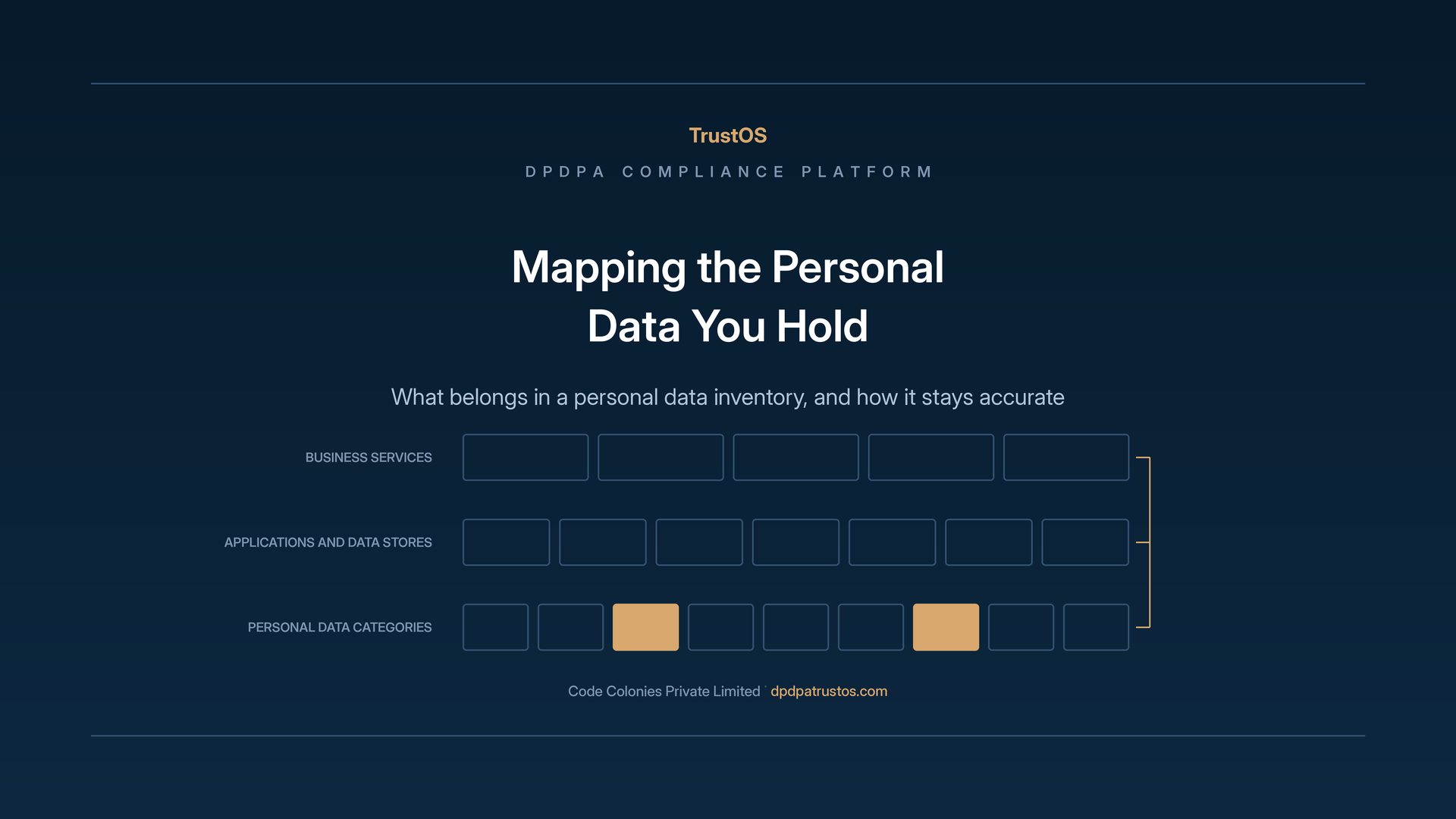
TrustOS holds the inventory in layers, because personal data does not sit in one kind of place. The record covers business services, applications, data stores, processors, personal data categories, processing activities, data movement and the person responsible for each.
Business services sit at the top because they are how the organisation describes its own work: billing, loyalty, home delivery, recruitment, payroll, claims handling, patient registration. Recording these first gives everything else a frame people recognise, which matters when you ask colleagues across the organisation to fill in the detail.
Applications and data stores are the systems under those services. Each is recorded with the personal data categories it holds and the person who owns it. Processors are the outside parties that hold or handle personal data on your behalf, such as the SMS gateway, the marketing agency, the payroll provider or a cloud host. They belong in the same inventory because your duties follow the data to them.
Processing activities describe what you actually do with the data, and data movement describes how it travels between the places above. These two layers are usually the least documented, and they matter most when someone asks a specific question.
Why categories matter more than fields
A common instinct is to list every field in every database. That produces a document nobody maintains, because a working organisation has thousands of fields and they change all the time.
TrustOS records categories of personal data: contact details, identity documents, financial information, health information, employment records, location, purchase history, images and video. A category is stable enough to maintain and specific enough to be useful, and it maps directly onto the questions the Act raises.
The value of categories shows when the duties arrive. Some data calls for more care than the rest, such as a child's data, which needs verifiable parental consent, or financial and health information that would do more harm if exposed. That care attaches to the category. A retention rule usually applies to a category. A breach report describes categories. A notice lists them. Building the inventory at this level means it can be used directly, with no translation step in between.
Where a single field genuinely needs its own entry, because it carries unusual sensitivity or a specific legal treatment, record it as an exception. Aadhaar numbers and a child's date of birth are common examples. Categories carry the work, and exceptions are recorded as exceptions.
An owner for every entry
Every entry in the inventory carries a named owner, and that is what makes a list usable. An application with no owner cannot be reviewed, cannot be asked about and cannot receive an assigned action.
A system usually has a technology owner, while a processing activity usually has a business owner. You need both, because they answer different questions. The technology owner can tell you accurately what a system holds. The business owner can tell you why it holds it.
Organisations filling in ownership for the first time regularly find systems nobody claims. The CCTV storage at the supermarket belonged to facilities, security and store operations at once, which in practice meant it belonged to nobody. Finding unowned systems that hold personal data is one of the most useful outputs of the whole exercise, since each one is a risk nobody is watching.
Finding what you hold
Ask, then check
The first pass at an inventory is usually built by asking people. You go to each team, ask which systems they use and what personal data those systems hold, and record the answers. That gets you a long way. People describe the systems they think about, though, and forget the ones they use without thinking.
The second pass is checking. Where TrustOS is connected to a system, what that system holds can be confirmed directly. Where there is no connection, ask the technology owner to check against the system itself, and to answer from what they see there.
The gap between the two passes is where the value sits. A team that named four systems in the interview often turns out to use seven, and the three that went unmentioned are exactly the ones a later request would have missed.
Neither pass happens once. The asking sets up the picture and the checking keeps it true, and both belong in a regular cycle with no end date.
The places people forget
Certain kinds of location go unmentioned in almost every first pass, and knowing the list in advance shortens the work a good deal:
- spreadsheets and exports on shared drives and laptops, the largest single group;
- test and development environments holding production copies, which are still personal data even when copied for a good technical reason;
- email attachments and WhatsApp chats used for work;
- backups, which hold everything the live system held, including data later deleted from it;
- tools bought by one team on a company card, often analytics and support tools, which hold customer or staff data without appearing in any register;
- physical records, such as delivery slips or paper forms that are later scanned.
Recording a copy creates no duty to keep it. Often the right outcome is to delete a spreadsheet that no longer serves any purpose, and finding it is what makes that decision possible.
Data movement and why it is recorded
Where data goes matters as much as where it sits
A fixed picture of which system holds what is useful and incomplete. Personal data moves, and each movement carries duties of its own. A nightly copy from an application to a reporting store creates a second place to erase from. Sharing with the marketing agency puts data in someone else's hands. Sending data to a server abroad raises the question of transfer, which the Act permits except to countries the government restricts by notification.
TrustOS records these movements as part of the inventory. Each movement links the source, the destination, the categories involved and the purpose it serves.
Movements are recorded because questions about them arrive regularly and are hard to answer any other way: where customer data goes, which outside parties hold it and what to tell someone who asks. An organisation with movements recorded answers from the record. One without them starts an investigation.
What movement records make possible
Once movement is recorded, several pieces of work that used to be hard become simple. An erasure can reach the copies as well as the original, because the platform knows the copies exist. A notice can name the recipients accurately, because they are listed. A processor review can cover every processor holding a given category, because the links are there.
Breach response gains the most. When an incident affects one system, the first question is what else was exposed, and the answer depends on knowing what flowed in and out of that system. Under Rule 7 you must tell the Board and affected people without delay and send the Board a detailed report within 72 hours. A recorded set of movements turns that first question into a lookup at the moment speed matters.
None of this needs every movement mapped on day one. Start with the movements involving the most sensitive categories and those that leave the organisation. They cover most of the exposure and can be done in a reasonable time.
Keeping the inventory accurate
How an inventory decays
An inventory built once and left alone is worse than having none, because people rely on it. A privacy officer working from a map nobody has touched for a year will search the systems it lists and report the search as complete.
Organisations that treat the inventory as a project meet this problem every time. The project finishes, the document is filed, and the organisation keeps changing. New systems arrive, old ones are retired, integrations are added, and none of it reaches the document.
The cure is to attach upkeep to the events that cause change: a new system approved, an integration built, a vendor engaged, a service retired. Each is a moment to update the inventory, and building that step into how those things are approved costs very little at the time.
Review as an assigned action
TrustOS handles inventory upkeep the way it handles every other duty, as assigned work with an owner and a due date. A periodic review of a system goes to the person who owns it, asking them to confirm what it holds and whether anything has changed.
Spreading the review this way makes it achievable. One person reviewing a whole inventory faces a task large enough to put off indefinitely. Twenty owners each confirming their own systems face a short task, and the platform shows which of them have done it.
The record of the review matters as much as the review. Being able to show that each system was confirmed by its owner on a stated date is a stronger position than saying the inventory is current. One is evidence and the other is a claim.
What an accurate inventory gives you
Faster answers to the questions that arrive
The first return on an accurate inventory is speed. An access request becomes a search across a known list. An erasure reaches the copies. A question from the Board about where a category of data sits is answered from the record.
Speed matters more than it seems, because several duties come with time attached. A breach report has a deadline. Grievances must be resolved within the period you publish, which can be at most 90 days under Rule 14. Work that starts with an investigation into your own systems leaves less time for the work itself.
A second return usually shows up later. An accurate inventory tends to reveal data that no longer serves a purpose, and removing it cuts both the cost of holding it and the harm if something goes wrong. Storage and licence savings can be a welcome side effect, separate from any compliance benefit.
A foundation the other areas connect to
The inventory is the layer everything else in TrustOS attaches to, which is the reason to build it carefully. Purposes link to the data categories they involve. Notices describe those categories. Retention rules apply to them. Consent decisions relate to the purposes that rest on them. Breach records show which of them were affected. Processor oversight covers the ones held outside the organisation.
Building the inventory first makes each later area quicker to bring in, because the records those areas need already exist. Building a later area first means describing data nobody has mapped, which gives you a purpose register nobody can verify. The next step is linking purposes to grounds and notices.
For an organisation deciding where to begin, that is the practical case for starting with the inventory. It has the widest effect on everything that follows, and it answers the question organisations find hardest of all: what personal data they actually hold.
Checklist
- List business services in your own words.
- Interview each team, then check their answers against the systems.
- Name a technology owner and a business owner for each entry.
- Record data categories, with single fields only as exceptions.
- Search for spreadsheets, test copies, WhatsApp use, backups and team-bought tools.
- Record movements, starting with sensitive data and data leaving the organisation.
- Add an inventory step to system and vendor approvals.
- Schedule owner reviews at a fixed interval.
See Data inventory for how TrustOS holds and reviews these records.
Put this into practice
See where your organisation stands
The readiness checklist turns the Act and the Rules into the work an organisation has to do. The gap assessment scores where you are in about five minutes.
Keep reading
Related guides and articles
Article
When systems cannot do what the policy promises
A complete set of privacy documents says what you intend. The DPDP Act judges what your systems actually do. The gap between the two can be found and measured.
Learn moreGuide
Choosing where to begin
Most DPDP programmes stall because the whole Act looks like one project. A short assessment tells you which area to start with, who owns it and what the first phase should leave behind.
Learn moreGuide
Configuring for the data environment you have
A sector example saves you from the blank page. It describes a typical organisation, and TrustOS earns its place once it uses your service names, your systems, your vendors and your owners.
Learn moreSee it with your data
Show us where your personal data lives. We will show you TrustOS running on it.
A 30 minute walkthrough on Google Meet with someone who knows the Act and the product. You leave with a view of your first phase, the owners and the effort.
Or get a rollout proposal in two minutes- Step 1A 30 minute demo on Google MeetWith someone who knows the Act and the product.
- Step 2Your systems and purposesWe walk one product's personal data through TrustOS.
- Step 3A first phase you can planModules, owners and effort, written down for you to keep.