
Teams
DPDP work runs across five teams, on one record.
Legal writes the notice, technology wires the erasure, security handles the breach, operations answers the customer, and management signs off. TrustOS gives each team its own view of the same record.
- Privacy and legal teamsPrivacy and legal teams read the DPDP Act and decide what it means for the business. TrustOS keeps each decision, and the reasoning behind it, attached to the purpose, notice or request it governs, so you can see whether the rest of the company acted on it.
- Security teamsSecurity teams protect personal data and lead the response when that protection fails. TrustOS gives you one incident record that legal, technology and communications all work from, with the reporting clock and the affected people in plain view.
- Technology teamsTechnology teams own the systems where personal data actually sits, and they get the tickets when a request or a retention rule has to be carried out. TrustOS sends that work to the right system through a connector, confirms it was done and keeps the result, so nobody has to prove it later from memory.
- Customer and business operationsSupport desks, branch staff and business operations are where Data Principals actually turn up, by phone, email, WhatsApp or at a counter. TrustOS gives them one queue for privacy requests and grievances, with the deadline, the next step and the reply history on each one.
- Audit and managementDirectors, the DPO and internal audit are accountable for DPDP compliance but rarely do the work themselves. TrustOS shows them what is done, what is late and who owns it, and lets them check the evidence behind any item.
Who works where
One record, five teams, ten modules
Each module lists the teams who rely on it most. The first is the team that usually leads the work.
| Module | Privacy and legal | Security | Technology | Customer and business operations | Audit and management |
|---|---|---|---|---|---|
| Data inventory | Usually leads | Works in it | Works in it | Not usually involved | Not usually involved |
| Purposes and notices | Usually leads | Not usually involved | Works in it | Works in it | Not usually involved |
| Consent | Usually leads | Not usually involved | Works in it | Works in it | Not usually involved |
| Privacy Centre | Usually leads | Not usually involved | Works in it | Works in it | Not usually involved |
| Rights and grievances | Works in it | Not usually involved | Works in it | Usually leads | Not usually involved |
| Retention and erasure | Usually leads | Not usually involved | Works in it | Works in it | Not usually involved |
| Connectors and actions | Not usually involved | Works in it | Usually leads | Works in it | Not usually involved |
| Breach response | Works in it | Usually leads | Not usually involved | Not usually involved | Works in it |
| Processors and assessments | Usually leads | Works in it | Not usually involved | Not usually involved | Works in it |
| Evidence and audit | Works in it | Works in it | Not usually involved | Not usually involved | Usually leads |
Usually leadsWorks in it
Roles and access
Each person sees what their role allows
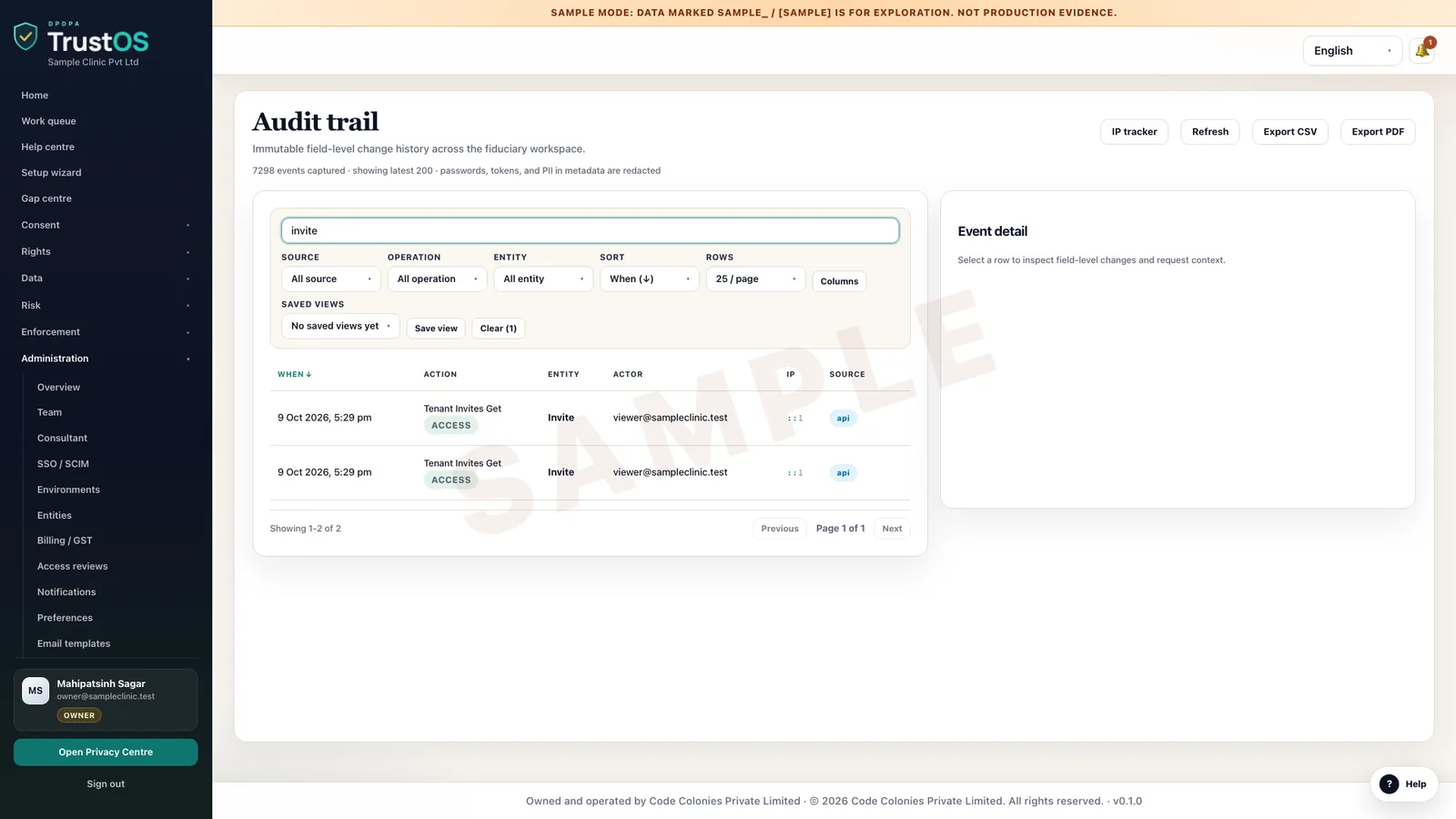
Menus and actions follow the role, every change is written to the audit trail, and outside access is time boxed. This is the role matrix the product enforces.
| Role | Consent and rights | Risk records | Connectors | Team and sign in | API keys |
|---|---|---|---|---|---|
| OwnerRuns the workspace | Manage | Manage, export | Manage | Manage | Manage |
| AdminRuns it day to day | Manage | Manage, export | Manage | Manage, except owners | Manage |
| CompliancePrivacy office, DPO | Manage | Manage, export | View | View | None |
| EngineerIT and engineering | View | None | Manage | View | Manage |
| ViewerAnyone who needs to see | View | View | View | View | None |
| AuditorInternal or external audit | View, time boxed | View, export, time boxed | View, time boxed | None | None |
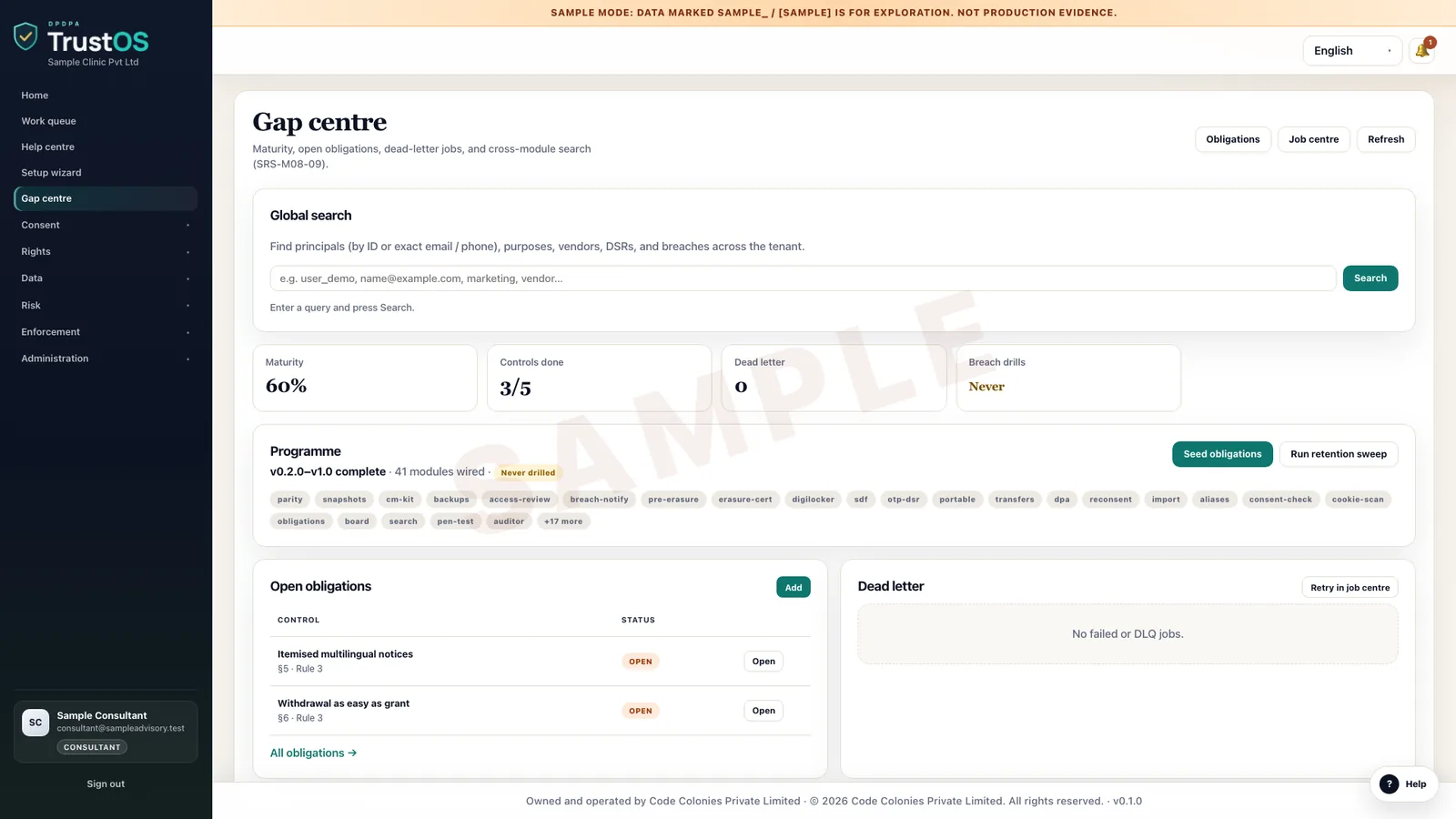
| ConsultantYour adviser, by grant | View, edit with delivery scope | View, edit with delivery scope | View | View | None |
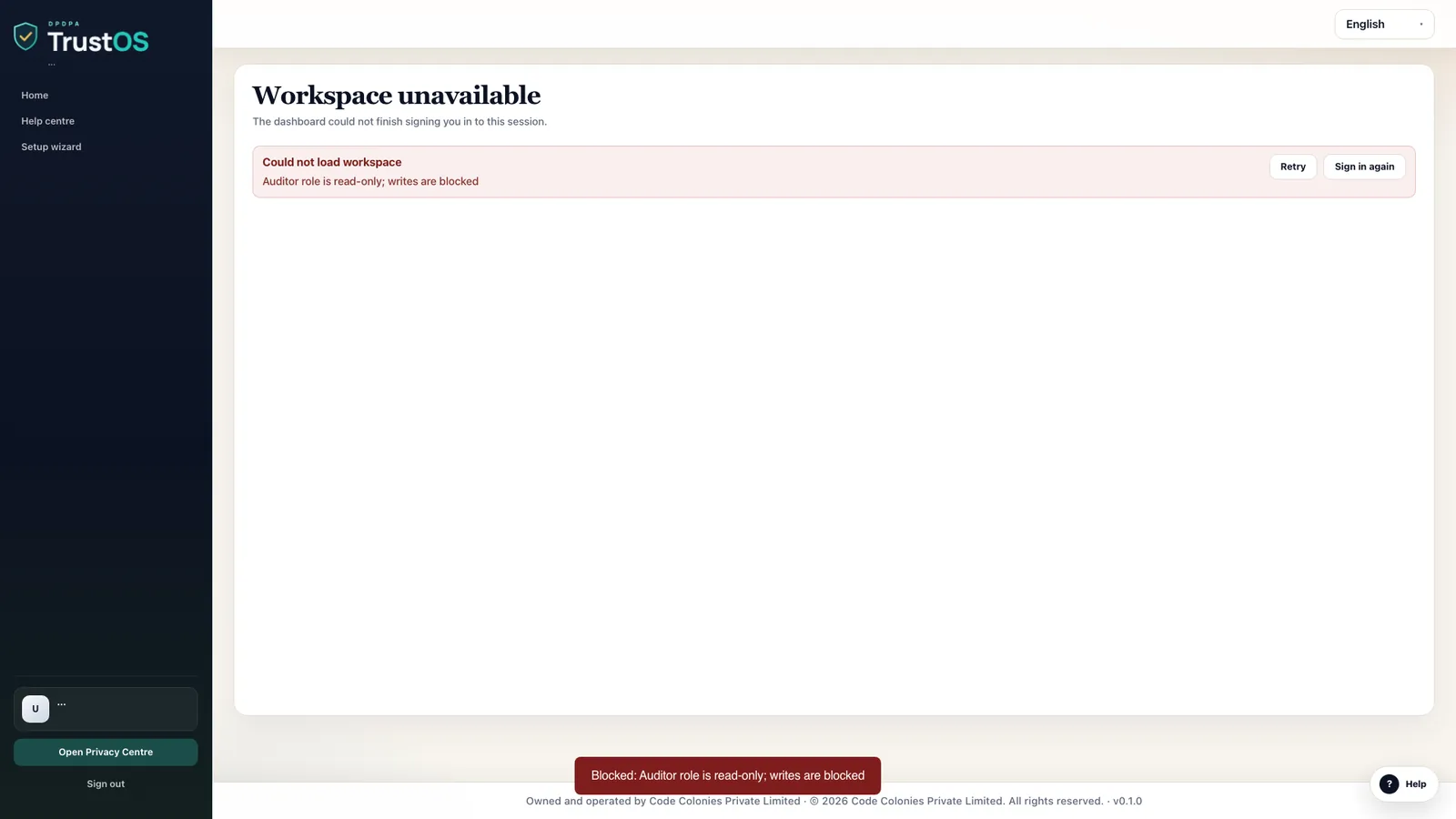
- An auditor can read while the grant is live. Every attempt to change a record is refused.
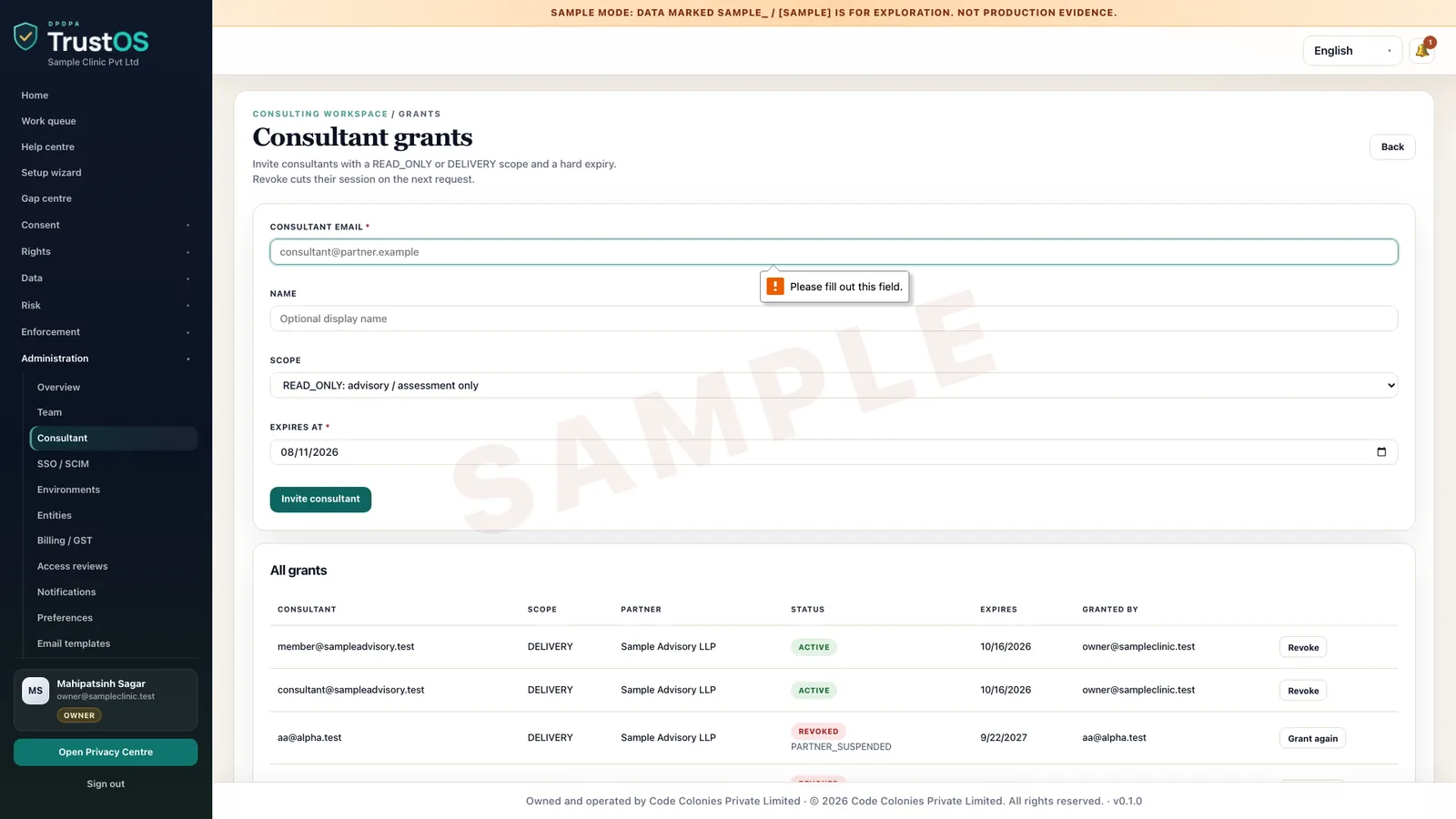
- A consultant works only under a grant with a scope and an expiry date, and every action is logged.
- An admin cannot make anyone an owner. Owners and admins manage single sign on and access reviews.
- Partner firms work in a client workspace only when assigned, with consultant permissions.
An auditor's change, refused
Consultant access with a scope and an expiry
A consultant's view under a grant
Every user action in the audit trail
See it in the product
Roles and access, recorded in the product
Short recordings from TrustOS in sample mode. Every name and record is sample data.
Accepting an invitation
A new compliance user is invited, sets a password and joins the workspace with the role the owner chose.
Each role sees its own menu
A viewer signs in and sees only what the role allows. Menus follow the role, so nobody sees screens they cannot use.
Revoking a consultant's access
Consultant access is granted with a scope and an expiry date. The owner can revoke it at any time, and the next request is refused.
A viewer cannot change records
The team page shows each person's role. A viewer can read the record but every change is blocked and logged.
See it with your data
Show us where your personal data lives. We will show you TrustOS running on it.
A 30 minute walkthrough on Google Meet with someone who knows the Act and the product. You leave with a view of your first phase, the owners and the effort.
Or get a rollout proposal in two minutes- Step 1A 30 minute demo on Google MeetWith someone who knows the Act and the product.
- Step 2Your systems and purposesWe walk one product's personal data through TrustOS.
- Step 3A first phase you can planModules, owners and effort, written down for you to keep.