
Teams · Customer and business operations
The customer asks once, and your team knows what to do
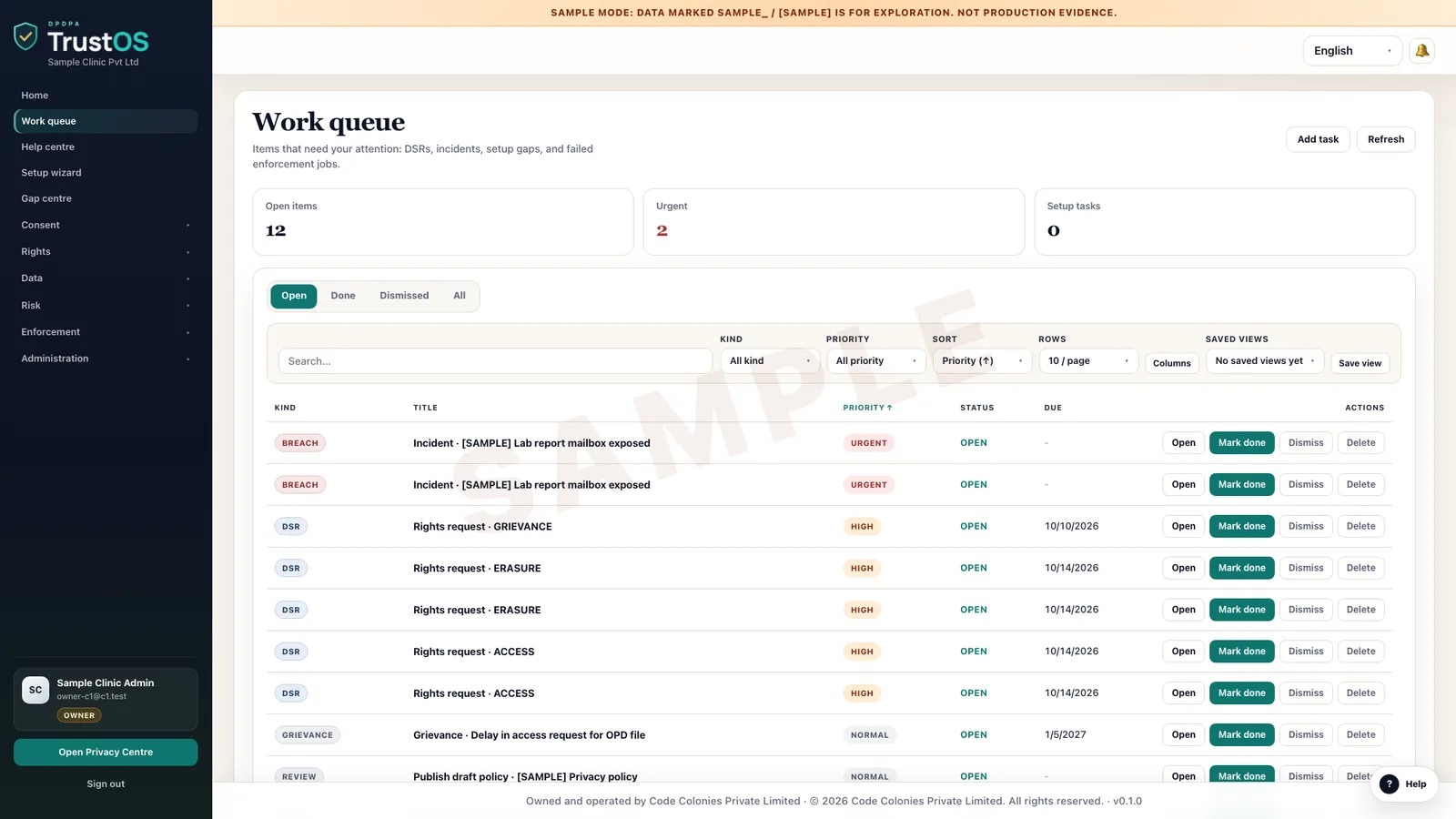
Support desks, branch staff and business operations are where Data Principals actually turn up, by phone, email, WhatsApp or at a counter. TrustOS gives them one queue for privacy requests and grievances, with the deadline, the next step and the reply history on each one.
What worries this team
The questions that keep coming back

Requests lost among ordinary tickets
A D2C brand's support inbox gets hundreds of WhatsApp messages a day about orders and refunds. One of them says please delete my number from your list. It is answered with a coupon code and closed.
Checking who is asking
A caller to a hospital helpline asks for a copy of a patient's records and says she is his daughter. The agent has no clear rule on what proof to ask for, so the answer depends on who picks up the phone.
Telling people where things stand
A student's parent wrote to an edtech platform three weeks ago asking to correct a misspelt name on certificates. Nobody can say whether it was fixed, so the parent writes again, then raises a complaint.
A week in TrustOS
What the work looks like
- Step 1Log a request that came in on WhatsAppAn agent copies the customer's message into a new request, picks the type and links the customer's order number. The request gets a reference number and a due date, and the customer receives a link to follow it in the Privacy Centre.
- Step 2Verify the requester before actingFor a hospital access request made on behalf of a patient, the agent follows the checklist set by legal: a one time code to the registered mobile, plus proof of nomination or guardianship where it applies. The check and its result are recorded.
- Step 3Pass the work on and keep the customer updatedA correction to a student's name goes to the records team with the right fields named. When they mark it done, the parent sees the status change in the Privacy Centre and gets a short reply saying what was corrected.
- Step 4Handle a grievance properlyA customer complains that withdrawing consent did not stop the offer calls. The grievance is assigned to an owner with a target date, the facts are gathered from the consent record, and the reply and its outcome are kept together.
Modules
Where this team spends its time
- Privacy CentreOne page where your customers manage consent, make requests and track them.Works in it
- Rights and grievancesEvery request and complaint in one queue, with owners, due dates and a reply on file.Usually leads
- ConsentRecord each consent against the notice shown, and act on withdrawal in every system.Works in it
- Retention and erasureDecide how long each kind of data stays, then make sure it actually goes.Works in it
The roles in this team: Operations and customer service. All roles
Questions
Asked by teams like yours
Do customers have to use the Privacy Centre?
No. Requests can arrive by any channel you already use. Staff log them in TrustOS, and the customer can still use the Privacy Centre to check status or raise the next request themselves.
Can branch or store staff use it without much training?
The request form asks only for what is needed for that request type, and each step tells the agent what to check next. Most teams run a short walkthrough and a few practice requests before going live.
Does it connect to our helpdesk?
It can, through a connector, so a privacy request raised in the helpdesk opens a matching request in TrustOS. Where that is not set up, agents log the request directly and add the ticket number for reference.
See it with your data
Show us where your personal data lives. We will show you TrustOS running on it.
A 30 minute walkthrough on Google Meet with someone who knows the Act and the product. You leave with a view of your first phase, the owners and the effort.
Or get a rollout proposal in two minutes- Step 1A 30 minute demo on Google MeetWith someone who knows the Act and the product.
- Step 2Your systems and purposesWe walk one product's personal data through TrustOS.
- Step 3A first phase you can planModules, owners and effort, written down for you to keep.