
Guide · Rights and requests
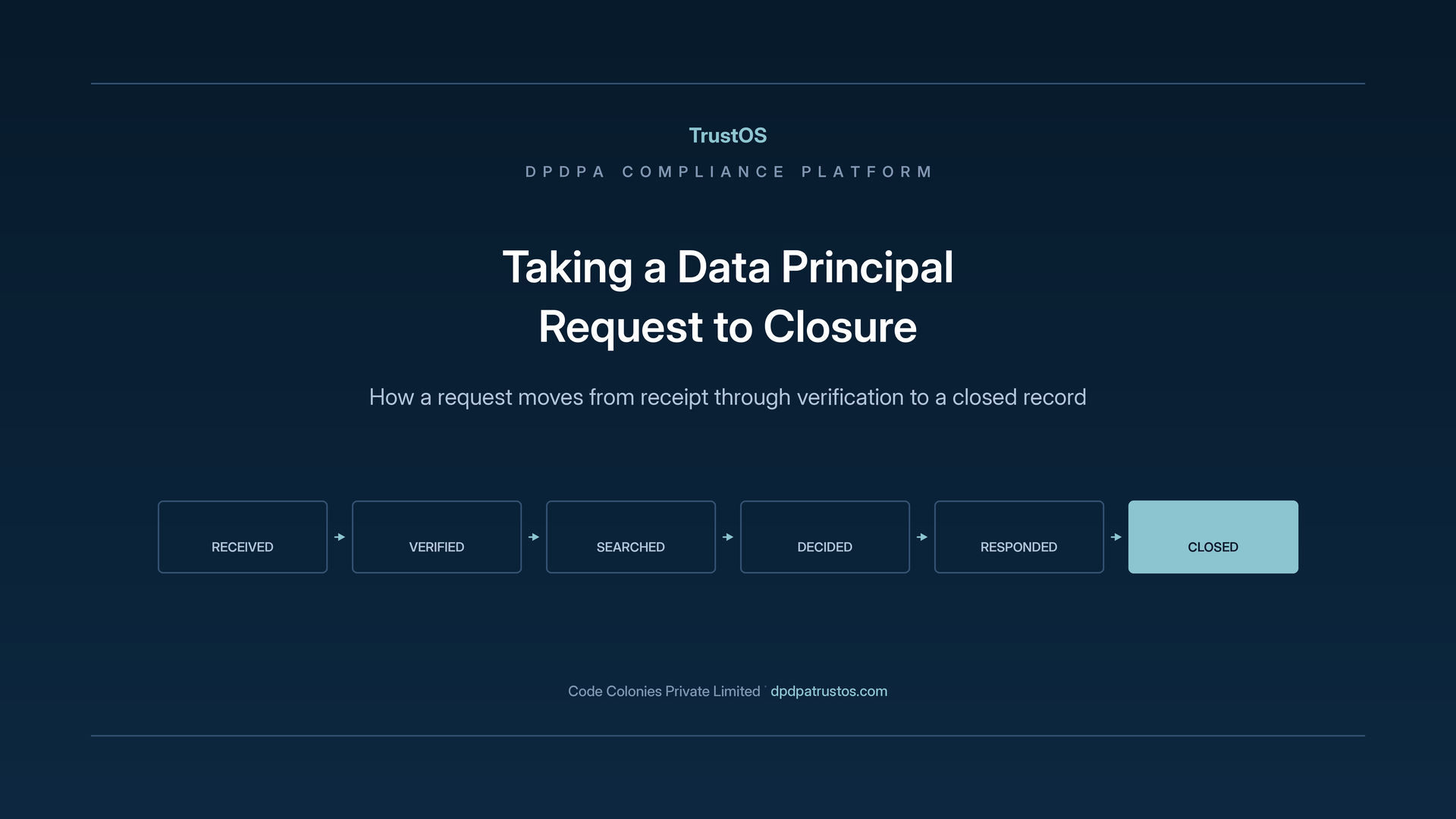
Taking a Data Principal request to closure
From the day a request arrives to a closed record you can show later, step by step
- Published
- 19 August 2026
- Updated
- 10 October 2026
- Reading
- 11 min · TrustOS team
A parent writes in
An edtech company in Noida runs live classes and test series for school students. One Monday, a parent writes to the support address. Her son is 15. She wants to know what the company holds about him, and she wants his recorded class videos and test history deleted. The same afternoon she leaves a message on the app chat, and on Wednesday she calls the helpline because she has not heard back.
That is three channels, one request, and nobody yet sure who owns it. Meanwhile the boy's data sits in the learning platform, the video storage bucket, the CRM, the payment gateway records, the doubt solving app, a data warehouse and a marketing tool. Handling her request well means taking it from the day it arrives to a closed record the company can show later.
The rights the Act grants
What an individual can ask for
The Digital Personal Data Protection Act, 2023 gives every Data Principal a set of rights over the personal data a company holds about them:
- Access to information: a summary of the personal data being processed and the processing activities, and the identities of the other Data Fiduciaries and Data Processors it has been shared with.
- Correction, completion, updating and erasure of personal data that is wrong, incomplete, out of date or no longer needed.
- Grievance redressal: a way to complain and receive a response.
- Nomination: naming somebody to exercise these rights if the person dies or becomes unable to act.
The Act has no right to data portability. A request for "all my data in a file so I can move it elsewhere" is best treated as an access request and answered as one.
For a child, meaning anybody under 18, a parent or lawful guardian acts in the child's place. The edtech company therefore has to establish that the person writing is the boy's parent or guardian before it does anything else. The DPDP Rules, 2025 were notified on 13 November 2025, and these duties apply from the third phase of commencement, around 13 May 2027; check for later amendments.
The rights are demanding for one shared reason. Every one of them requires the company to find all the personal data it holds about a single person. That requirement sits underneath every rights request, and it is why the guide to mapping the personal data you hold comes first in the sequence.
A company that cannot locate one person across its systems will answer requests incompletely without knowing it. The response goes out, it looks complete, and the systems nobody remembered to search are simply missing from it.
Why grievance handling sits alongside the rights
The Act requires a company to run a grievance mechanism, and an individual has to use it before approaching the Data Protection Board. The Rules set an outer limit of 90 days for responding, and the company publishes its own period within that. It is the company's first contact with a complaint, and it is the point at which a matter either settles or escalates.
A grievance handled well ends there. A grievance ignored, answered slowly, or answered without addressing what was actually asked reaches the Board with the company's handling of it as part of the record.
TrustOS manages grievances in the same way as rights requests: intake, assignment, tracking, response and a closed record. The work inside differs. A rights request calls for a search, and a complaint usually calls for an investigation into what the company did.
Receiving a request
Getting requests into one place
Requests arrive through whichever channel the individual chooses. Some come through a form on the website or the Privacy Centre. Some arrive by email at the address published in the privacy notice. Some are made to a support agent on a call or in the app chat. A few arrive by post.
The response period runs from receipt, so a request that sits unnoticed in a shared inbox for a week has already used a week. Companies that lose control of rights requests usually lose it at intake, well before the substantive work begins.
TrustOS records each request as it arrives, whatever channel brought it, with the date and time of receipt. A request made through a form is captured directly. One that arrives another way is logged by the person who received it, and that step is short enough to do at once. If the same person writes three times, as the parent in Noida did, the messages are linked to one request so three people do not start three searches.
Recording the channel shows where requests actually come from, which often surprises a company that built a form and assumed everybody would use it.
What the record holds from the start
A request record in TrustOS holds the individual's identity as they gave it, the right being exercised, the date and time of receipt, the channel, the response period that applies and the person assigned to handle it.
Assigning the request at intake prevents the most common failure. A request assigned to "support" belongs to a function, and functions leave work unfinished. A named owner can be asked about it, and the platform shows how long the request has been waiting.
Where a request is unclear, that is recorded too. Somebody who asks for "my data" without saying which, or who asks for something the Act does not provide, needs a clarifying reply. The question and the answer stay on the same record, so the whole exchange can be read in one place.
Verifying who is asking
Why this step protects the company
Before a company discloses personal data in response to a request, it has to establish that the person asking is the person the data belongs to, or somebody entitled to act for them. Getting this wrong means sending one person's data to a stranger, which is a breach the company caused itself.
Verification therefore protects the company as much as the individual, and it deserves the same care as any other substantive step. A name and an email address prove very little.
What counts as adequate depends on what is being asked and how sensitive the data is. Correcting a spelling needs less checking than sending a full copy of a student's record. For the parent in Noida, the company needs reasonable proof of her identity and of her relationship to the child, checked against what it already holds, such as the guardian details given at enrolment. TrustOS records what was checked and by whom, so the standard applied can be seen and repeated.
Consistency is the hard part without a system. Two support agents facing similar requests in the same week will apply different standards unless the standard is written down and visible where the work happens.
Handling verification that fails
Some requests cannot be verified. The individual may not reply when asked for further information, or what they provide may not match the company's records.
A request in that state should not hang between open and closed for months. TrustOS keeps it with its verification status, so the company can show what it asked for and when, and can close the matter with a reason if the individual does not continue after a reasonable time.
That record matters if the same person later complains that their request was ignored. A company that can show it asked for verification on a stated date and received no reply is in a far stronger position than one with nothing on file.
Nominees and requests made by somebody else
The Act lets an individual nominate another person to exercise their rights in the event of death or incapacity. A request may therefore come from somebody who is not the Data Principal but is entitled to act for them.
Handling that properly means representing a relationship most systems have never held. TrustOS records the nomination against the individual, so a request from a nominee can be checked against it as a routine step.
Lawyers, relatives and agents with no recorded standing need a decision from the legal function on whether they may act. TrustOS routes it there as an assigned action with the request attached.
Doing the work
Finding the data across systems
Once a request is verified, the main work begins. For access and erasure requests, that work is a search across every place the company holds personal data about the individual.
This is where the inventory earns its keep. TrustOS knows which systems hold personal data and which categories each one holds, so the search runs against a known list. An action goes to the owner of each system, and each owner returns what was found.
Results come back in pieces and at different times, because systems have different owners and different levels of automation. The platform holds the partial state, so the person coordinating the response can see which systems have reported and which are still outstanding, and can chase the right owner.
Where a system is connected to TrustOS, the connector runs the search inside it and returns the results directly. Where it is not connected, the action reaches the system owner with the identifiers and the categories being sought, and the owner records what they found.
Deciding what can be disclosed
An access request does not automatically entitle the individual to everything the company holds. Some material may reveal personal data about other people. Some may be covered by legal privilege or form part of an ongoing investigation.
Those judgements belong with the legal function, and they arrive there as assigned actions with the material attached. The decision and the reasoning are recorded against the request, so the response can be explained later if it is questioned.
Recording the reasoning is the step most often skipped and the one most often needed. A person who receives a response with material withheld may ask why, and a company that recorded only the outcome has to reconstruct the thinking of whoever made the call.
Erasure and correction as actions in systems
A request for erasure or correction has to change data, and the change has to reach every copy. That makes it harder than an access request. A correction applied in the main database while a stale copy sits in the data warehouse leaves the company holding two versions of the same fact.
TrustOS creates an action for each system holding the data and tracks each one separately. Where one system completes and another reports a pending state, the request stays open with the exception in view.
Some erasure requests cannot be completed in full, and the reasons are usually legitimate. Tax law may require the company to keep the invoice for the boy's course fees. Backups may hold data until they age out on their own cycle. The platform records each of these positions with its reason, so the response can say accurately what was erased, what was kept and on what authority. The guide to executing retention and erasure across systems covers that side in more detail.
Responding and closing
What the response has to do
A response to an access request has to give the individual what the Act provides: a summary of the personal data being processed, the processing activities involved, and the identities of the other Data Fiduciaries and Data Processors it has been shared with.
Writing that in plain language takes some care. An internal record pasted into a document technically counts as a response, and it is of little use to the person who asked.
The response goes out through the channel the individual used or asked for, and the sending is recorded with its date. That timestamp shows the response period was met, and it should come from the system so nobody has to rely on recollection.
What remains after closure
A closed request in TrustOS leaves a complete record: the request as received, the date and channel, the verification performed and by whom, the systems searched and what each returned, any decision to withhold with its reasoning, the actions taken in each system with their completion states, any exception with its reason, and the response with the date it was sent.
That record answers a question asked months later without anybody reconstructing anything. It also feeds the management view. A company reviewing its own performance needs to know how long requests take, where they get stuck, and which systems are slowest to respond.
The record also shows patterns. If the same system is always the last to report, that is a technical problem worth fixing. If verification takes most of the time, the verification process is worth revisiting. Neither pattern can be seen while each request is handled on its own in an inbox.
What changes with this in place
The position on any given day
A company working this way can state its position on rights requests at any moment: how many are open, which right each concerns, how long each has been waiting, who owns it, and which are close to the end of their response period.
That view changes how the work is managed. Attention goes to the requests nearest their deadline and to the ones stuck on a particular system. Without it, effort tends to spread evenly across everything, or arrive only when somebody complains.
It also changes what the company can tell an individual who asks about progress. When the parent calls on Wednesday, a specific answer about where her request stands, which systems have been searched and when she can expect a reply, is a very different experience from a promise that someone is looking into it. It also heads off many grievances.
Where to begin if requests are already arriving
A company already receiving requests and handling them by email should start with intake, because that is where response time is lost. Getting every request into one place with a date, a channel and a named owner takes little effort and has an immediate effect.
Verification comes next. It protects the company, and it is the step most often applied inconsistently.
Then comes the search, which depends on the inventory and improves as the inventory does. Rights requests sit on top of the inventory and the retention rules, and they are the part of the Act that individuals actually experience.
A short checklist
- Publish clear channels and a response period, and log every request on arrival.
- Assign a named owner at intake.
- Write a verification standard scaled to the request, including checks for parents and guardians of children.
- Search from the inventory, which is more reliable than memory.
- Record withholding decisions with their reasons.
- Track each correction or erasure system by system.
- Keep exceptions open with reasons and explain them in the response.
- Review timings each month and fix the slowest step.
See how the request queue works on the Rights and grievances module page.
Put this into practice
See where your organisation stands
The readiness checklist turns the Act and the Rules into the work an organisation has to do. The gap assessment scores where you are in about five minutes.
Keep reading
Related guides and articles
Guide
Choosing where to begin
Most DPDP programmes stall because the whole Act looks like one project. A short assessment tells you which area to start with, who owns it and what the first phase should leave behind.
Learn moreGuide
Configuring for the data environment you have
A sector example saves you from the blank page. It describes a typical organisation, and TrustOS earns its place once it uses your service names, your systems, your vendors and your owners.
Learn moreGuide
Connecting TrustOS to the systems you already run
An erasure that someone says they did is weaker evidence than one the system itself confirms. TrustOS connectors are scoped, approved and checked, and systems without a connector are still covered.
Learn moreSee it with your data
Show us where your personal data lives. We will show you TrustOS running on it.
A 30 minute walkthrough on Google Meet with someone who knows the Act and the product. You leave with a view of your first phase, the owners and the effort.
Or get a rollout proposal in two minutes- Step 1A 30 minute demo on Google MeetWith someone who knows the Act and the product.
- Step 2Your systems and purposesWe walk one product's personal data through TrustOS.
- Step 3A first phase you can planModules, owners and effort, written down for you to keep.