
Platform · Connectors and actions
Find a person's data in your systems, act on it, and record what really happened.
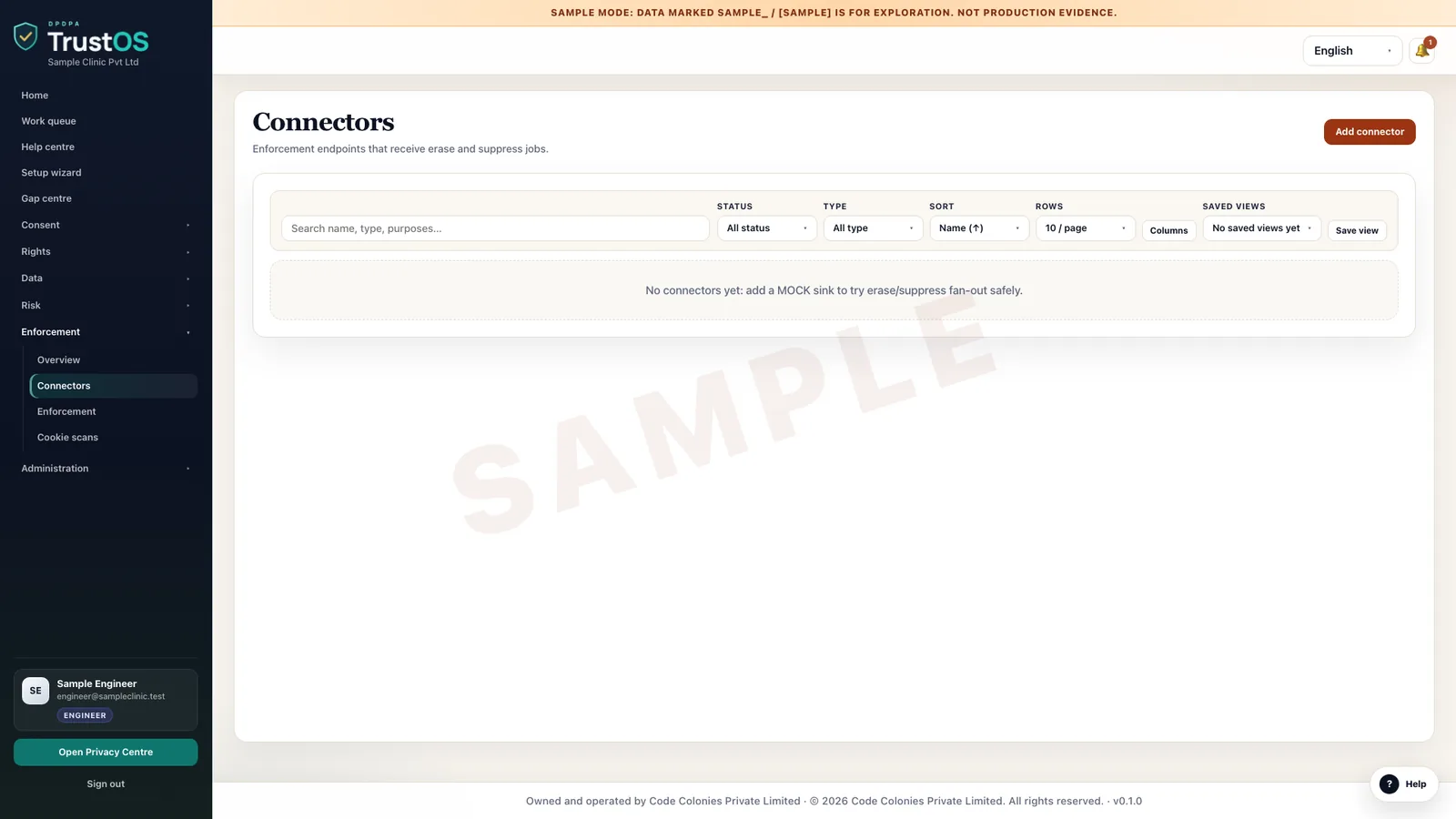
Connectors link TrustOS to the systems that hold personal data, within permissions you set. They search for a person's records, carry out approved actions such as erasure or correction, and confirm the result, including the cases that only partly worked.
The problem
A ticket that says done is not proof
A D2C brand gets an erasure request from a customer who ordered on WhatsApp. Privacy raises a ticket, someone in technology deletes the Shopify customer, and the ticket is closed. The customer is still in the WhatsApp Business inbox, in the courier partner's sheet and in last month's warehouse extract. The ticket said done because one system was done, and nobody can show otherwise.
What the DPDP Act asks
The DPDP Act expects correction, completion, updating and erasure to happen in fact, in every place the Data Fiduciary and its processors hold the data. The DPDP Rules ask for reasonable security safeguards around that work, including access control and logs. Connectors exist so the evidence of an action comes from the system that did it, as well as from the person who asked.
A plain summary. It is not legal advice. Read the DPDP Act guide.
Erasure, everywhere it lives
One request out, a confirmation back from each system
The erasure plan comes from the data inventory. Connectors act where they can, processors confirm, people close manual tasks, and anything kept under a legal duty is recorded with its reason.
What it does
What connectors and actions gives your team
Three ways to connect
A connector uses a documented interface where the system has one, a database query with credentials scoped to the task where it does not, or a search only route where changes must stay manual. The setup records which route each system uses.
Identity matching across systems
The same customer is a mobile number in the CRM, a loan account in core banking and an email in the help desk. You define how identifiers relate, and TrustOS records where a match is uncertain so no one assumes a search was complete.
Search before you answer
For an access request or breach scoping, connectors return where a person's data sits and which categories are present. Your team sees the list before anything is changed or shared.
Approval before change
Erasure and correction cannot be undone, so each action goes to the system owner with the records, the system and the reason. Their approval is logged with a name and a time.
Partial results kept open
If a row was deleted but a search index still holds it, the action is marked partial, with the gap and an owner. Failures carry the error the system returned, and retries are logged.
Manual steps in the same queue
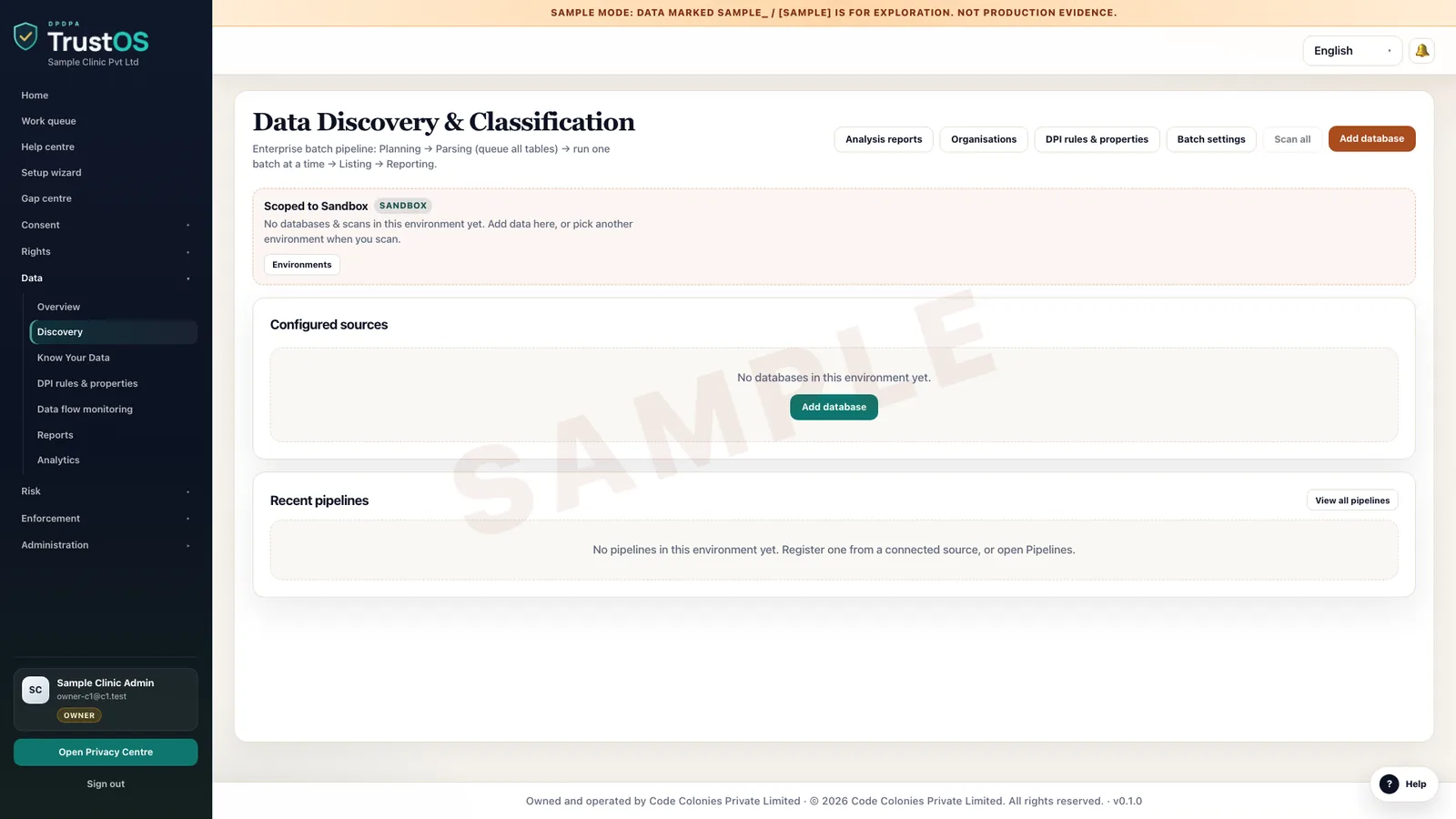
Some systems will never be connected, such as a vendor's spreadsheet or a scanned file store. Those steps sit in the same action queue, with the person who did them and an attachment as proof.
How the work moves
Step by step, inside TrustOS
- Step 1Register the systemTechnology names the system, its owner, the data categories it holds and the route a connector will use.
- Step 2Scope the accessThe owner approves which operations are allowed, such as search only or search and erase, and which credentials are used.
- Step 3Receive an actionAn approved request, retention rule or breach task creates actions for each system that holds the data.
- Step 4Run and confirmThe connector runs the action, then checks the result with a separate query where the system allows it.
- Step 5Handle the leftoversPartial and failed actions stay open with an owner until the gap is closed or explained.
Records it keeps
The evidence builds as you work
- Connected system register with owner, route and approved scope
- Identifier mapping per system and known matching limits
- Search results attached to the request or incident that asked for them
- Action approvals with approver name and time
- Execution log with records affected, timestamps and errors
- Verification checks run after each action
- Manual completion notes with attachments
Who uses it
The teams who rely on it most
The first team usually leads the work. The others act on what it assigns.
Questions
About connectors and actions
Does a connector give TrustOS broad access to our systems?
No. Each connector reaches only the data categories and operations its owner approved, using credentials created for that purpose. The approval is recorded, so you can show who allowed what.
We have an old in-house system with no API. Can it be connected?
Often through a scoped database query, if your technology team is comfortable with that. If not, it stays a manual step in the same queue. If you want a proper interface built, our delivery team can do it on 2good terms, where you pay after you accept the work.
Do we have to connect everything before we start?
No. Most teams start with manual actions in the queue and connect the two or three systems that hold the most personal data first, usually the CRM, core platform and data warehouse.
Keep going
Related modules and reading
Module
Rights and grievances
Every request and complaint in one queue, with owners, due dates and a reply on file.
Learn moreModule
Retention and erasure
Decide how long each kind of data stays, then make sure it actually goes.
Learn moreModule
Data inventory
A working record of what personal data you hold, where it sits and who touches it.
Learn moreSee it with your data
Show us where your personal data lives. We will show you TrustOS running on it.
A 30 minute walkthrough on Google Meet with someone who knows the Act and the product. You leave with a view of your first phase, the owners and the effort.
Or get a rollout proposal in two minutes- Step 1A 30 minute demo on Google MeetWith someone who knows the Act and the product.
- Step 2Your systems and purposesWe walk one product's personal data through TrustOS.
- Step 3A first phase you can planModules, owners and effort, written down for you to keep.